The store looks great. Traffic is up. Conversion rate is still stuck at 1.5% and has been for three months. The product is good. The ads are decent. So what gives?
Almost always: UX. Not a catastrophic, broken-layout problem. A quiet, invisible-friction problem - the kind nobody spots because the store genuinely looks fine. But here is the thing: looking fine and converting well are not the same thing. A store that looks polished but confuses people at four critical moments will leak revenue every day, quietly, while you keep spending on ads to replace what you are losing.
We have audited dozens of stores. Same five mistakes, almost every time. Here they are - and how to fix them before they cost you another month.
Mistake 1 - Your Navigation Makes Visitors Do Homework
Navigation has one job: make the next step obvious. Most stores turn it into a puzzle. Seven menu items. Creative labels that mean nothing ("The Essentials Collection" - essential to whom?). The "Shop" link is buried inside a dropdown. Search nowhere to be found.
Your nav should be a green light, not a maze. Five items max. Descriptive, literal labels - "Skincare" beats "The Edit" every single time. Shop All up front. A visible search bar. Because confused visitors do not convert - they just quietly leave and never tell you why.
Mistake 2 - Beautiful Photos Are Not a Trust Strategy
First-time visitors do not know you. Great product photography helps - it does not do all the heavy lifting. Most stores nail the visuals and fumble everything that actually builds purchase confidence.
The fix is not adding more content. It is moving what you already have to where people actually look. Shipping info below the price, not hidden three clicks deep. Return policy next to Add to Cart, not in the footer graveyard. Reviews with photos, not just star ratings that anyone could fake. Ingredients in expandable sections, not absent entirely.
The test: if someone landed on your product page having never heard of your brand, what would they need to see before spending money? Go build exactly that. Reassurance is not a footnote - it is a conversion tool.
Mistake 3 - Your Checkout Is the Plot Twist Nobody Wanted
Someone adds to cart. They are 80% converted. Then the checkout shows up and ruins the whole story. Shipping cost appears for the first time at the final step - surprise, it is $8.99. Account creation is required before purchase. Six form fields when three would do. No progress indicator. No visual of what they are actually buying.
Each of those is a dropout event. Fix them one by one: show shipping costs on the product page if you can. Make guests checkout the obvious default. Cut form fields to the legal minimum. Add a progress bar - people like knowing how close the finish line is. Show a thumbnail of the product in the order summary. Every unnecessary step costs you 10 - 15% of the people who got that far. Those are warm leads. Do not trip them at the door.
Mistake 4 - You Designed for a Desktop, But Your Customer Is on the Bus
More than 70% of e-commerce traffic is mobile. Most Shopify stores are designed on a 1440px screen, "tested" by dragging the browser smaller, and shipped. That is not mobile optimization. That is optimism.
The result: buttons too small to tap without zooming, images that take four seconds to load on a cell signal, text that requires pinching, sticky headers eating 20% of the visible screen. One second of load delay can cut conversions by up to 20%. This is not a design preference - it is a revenue variable with a number attached to it.
Fix it properly: design mobile-first, test on an actual phone, use WebP images, set tap targets to at least 44x44 pixels, and be ruthless about sticky elements. Your customer is not at a desk. Meet them where they are.
Mistake 5 - Your Homepage Is Trying to Say Everything, Which Means It Says Nothing
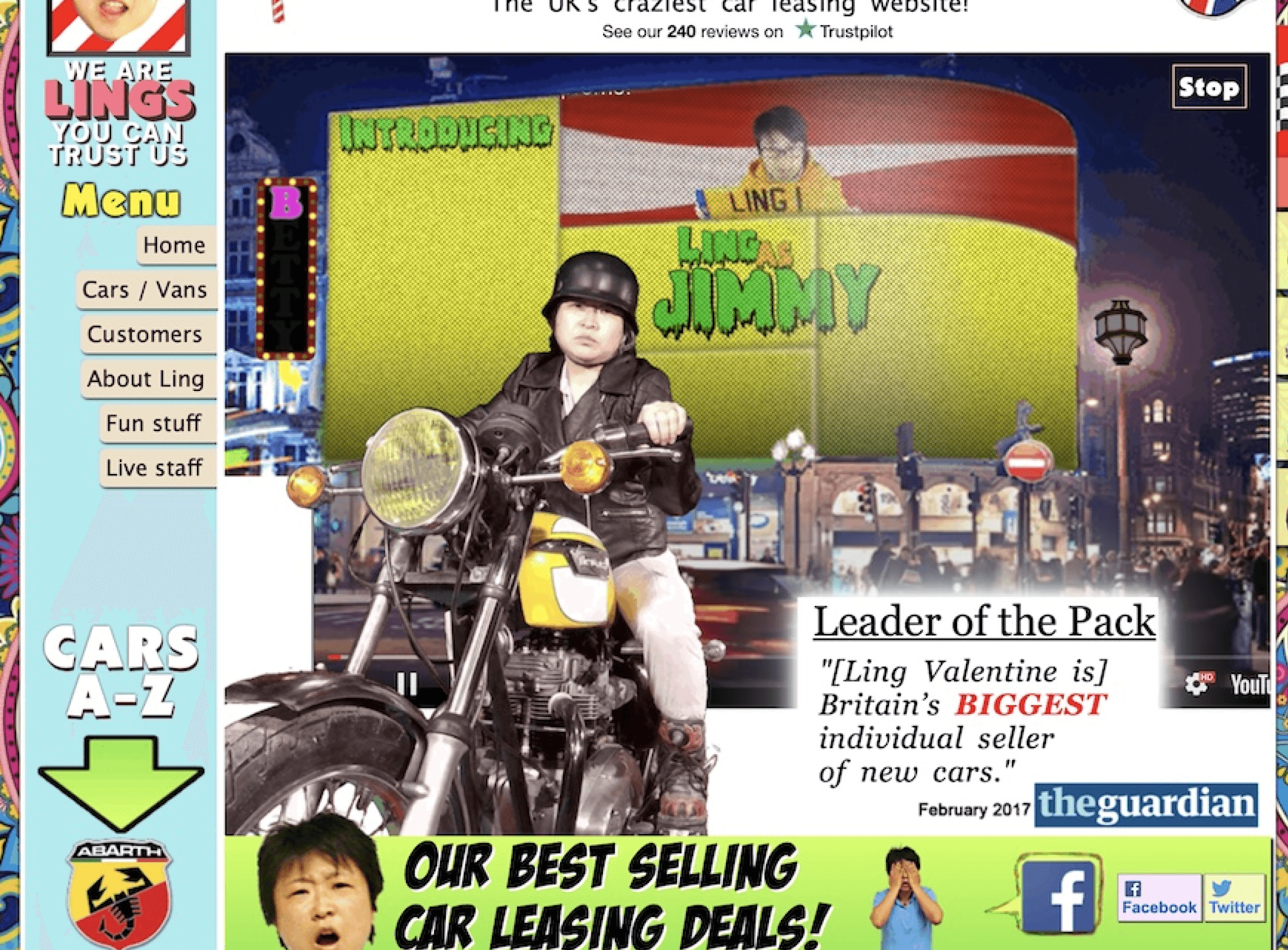
A homepage has one job: answer three questions in under eight seconds. What do you sell? Who is it for? Why should I care? Most homepages fail this because founders want to show everything - the full product range, the brand story, the press logos, the seasonal sale banner, and the newsletter popup. Simultaneously.
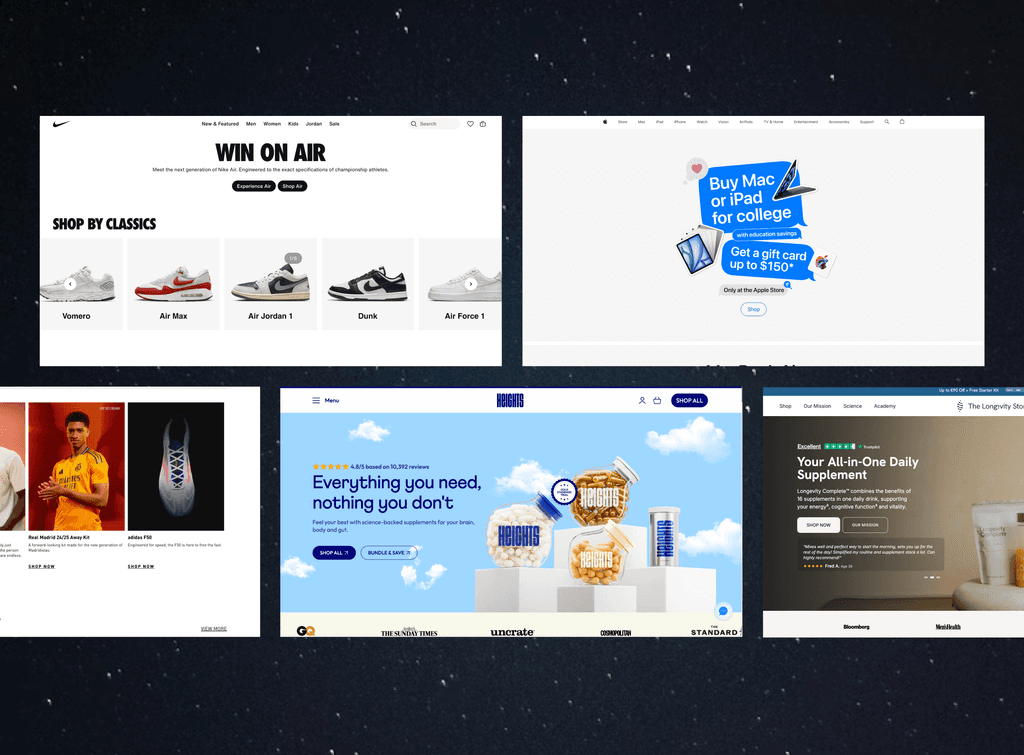
Visitors do not read homepages. They scan, decide in a few seconds, and either keep going or leave. The homepage is a five-second pitch, not a brand magazine. One hero section, one message, one CTA. Guide people toward the product. Let everything else earn its place further down the page - or not be there at all.
Where This Leaves You
These five issues cause more lost revenue than most ad campaigns can recover. The upside: most are fixable in a day or two, no developer required. Start with the one that is most visibly broken, fix it, measure it, then move to the next. Rinse, repeat, convert.
Our Growth Blueprint includes a focused UX audit that works through exactly this. Because the cheapest growth available to you right now is not more traffic. It is making the traffic you already have actually buy.